Signal
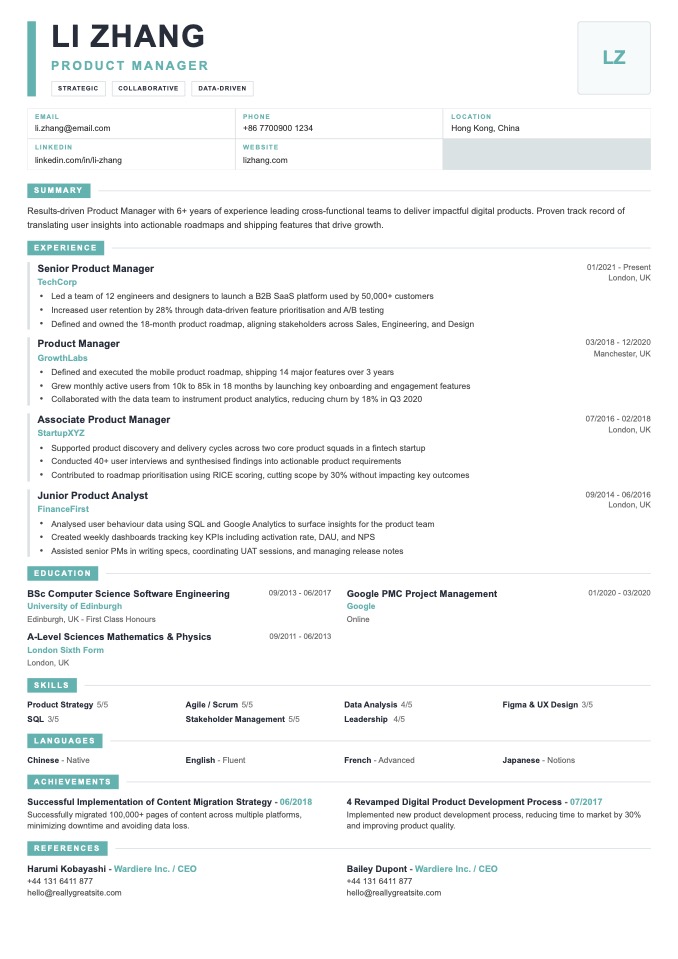
PopularneModern ATS-friendly resume with a bold identity band and compact contact grid.
Free ATS-friendly resume templates with clear headings, a readable single-column layout, and simple structure applicant tracking systems can parse.
Most online applications pass through an applicant tracking system (ATS) before a human ever sees them. ATS-friendly resume templates use a single-column layout, standard section headings, and selectable text so the software can read every line — while still looking clean to the recruiter who opens it next. Every template below is built for that balance, so you can focus on your content instead of fighting the parser.
Modern ATS-friendly resume with a bold identity band and compact contact grid.
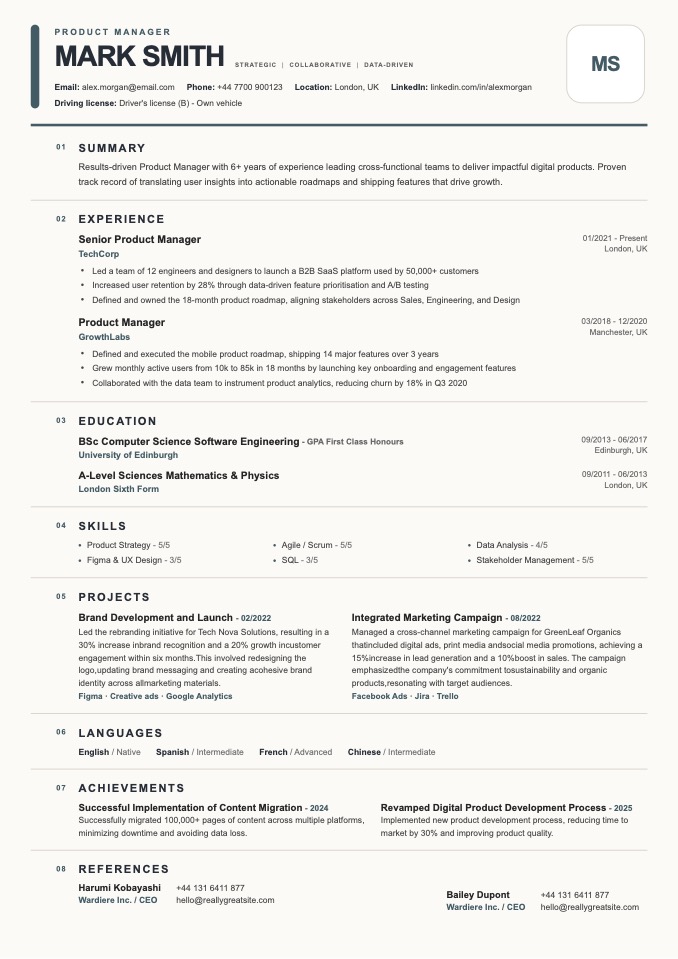
ATS-friendly dossier layout with numbered sections and polished slate accents.
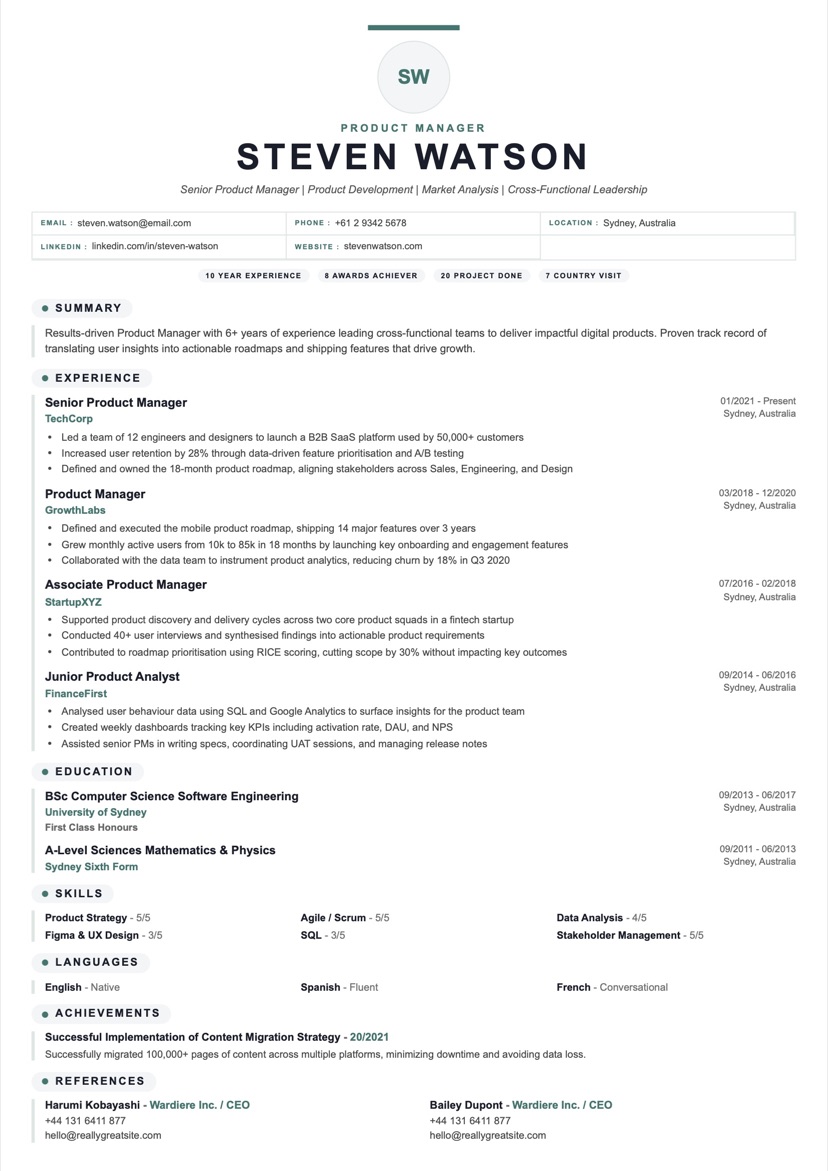
Crisp ATS-friendly resume with a centered masthead, capsule section labels, and a compact one-column flow.
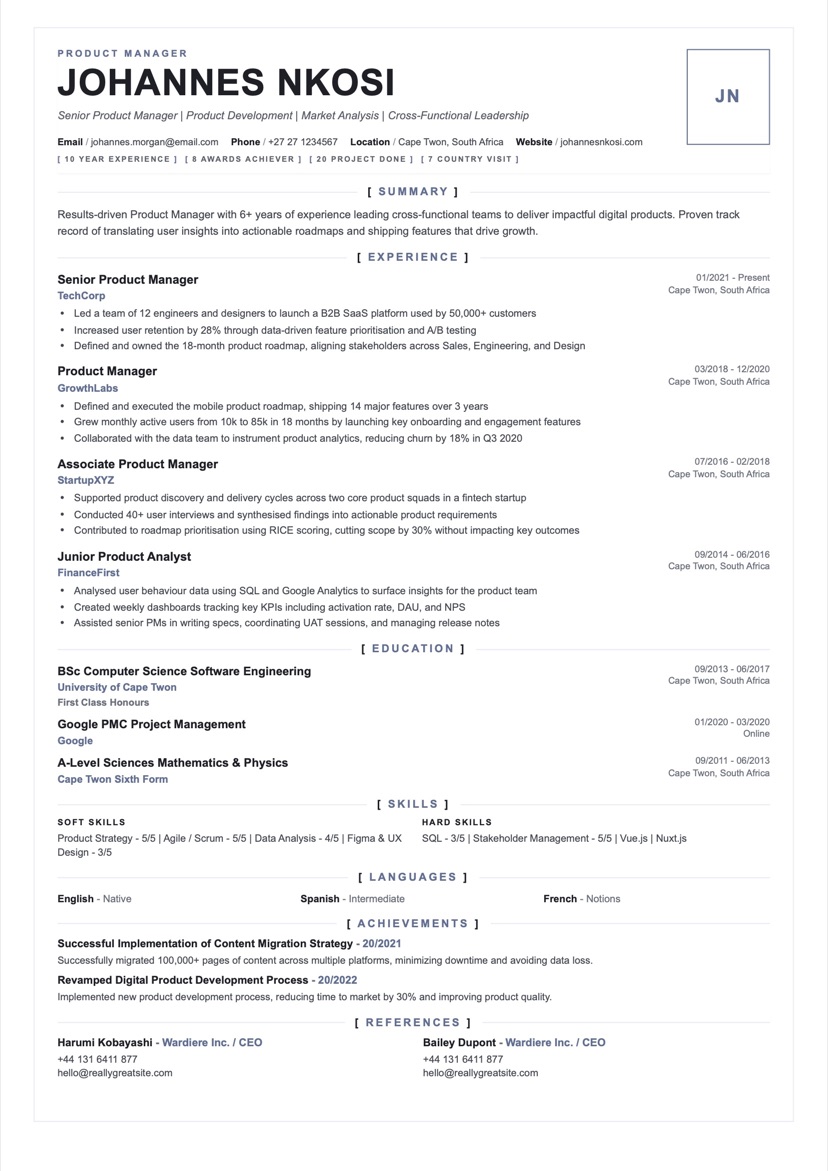
Modern ATS-friendly resume with a framed brief shape, bracket section labels, and dense one-column flow.
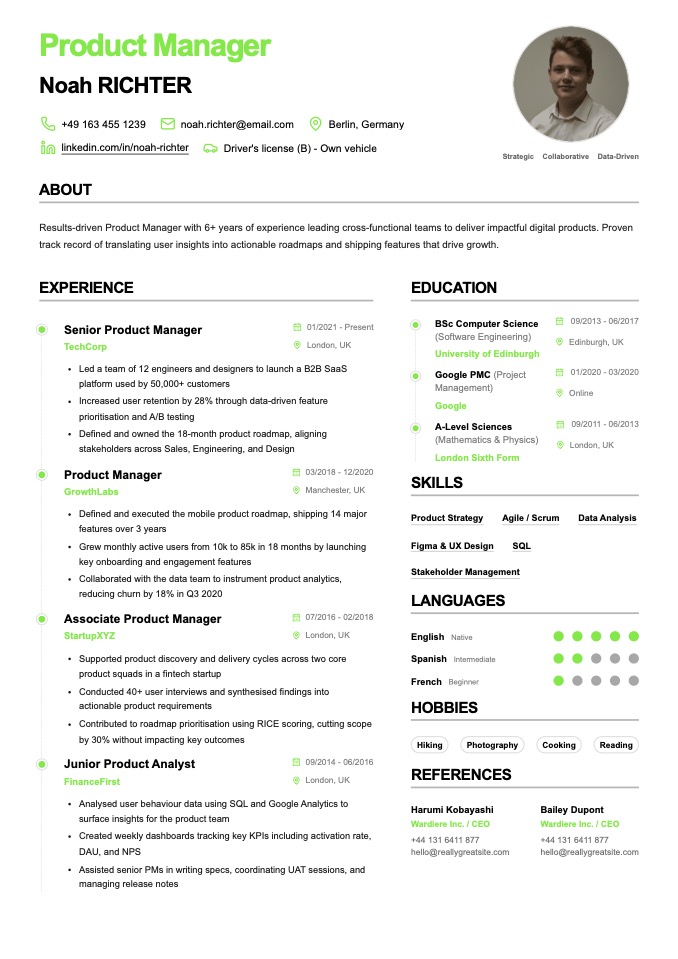
Structured editorial resume with a polished two-column story and balanced timeline layout.
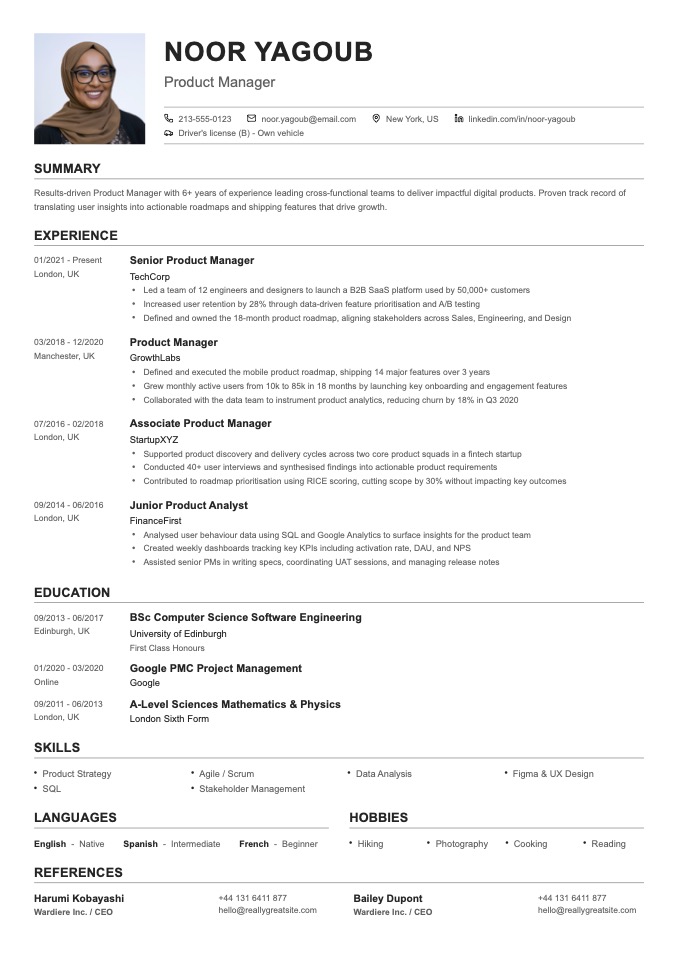
Refined professional resume with a portrait header, ruled sections, and a crisp editorial structure.
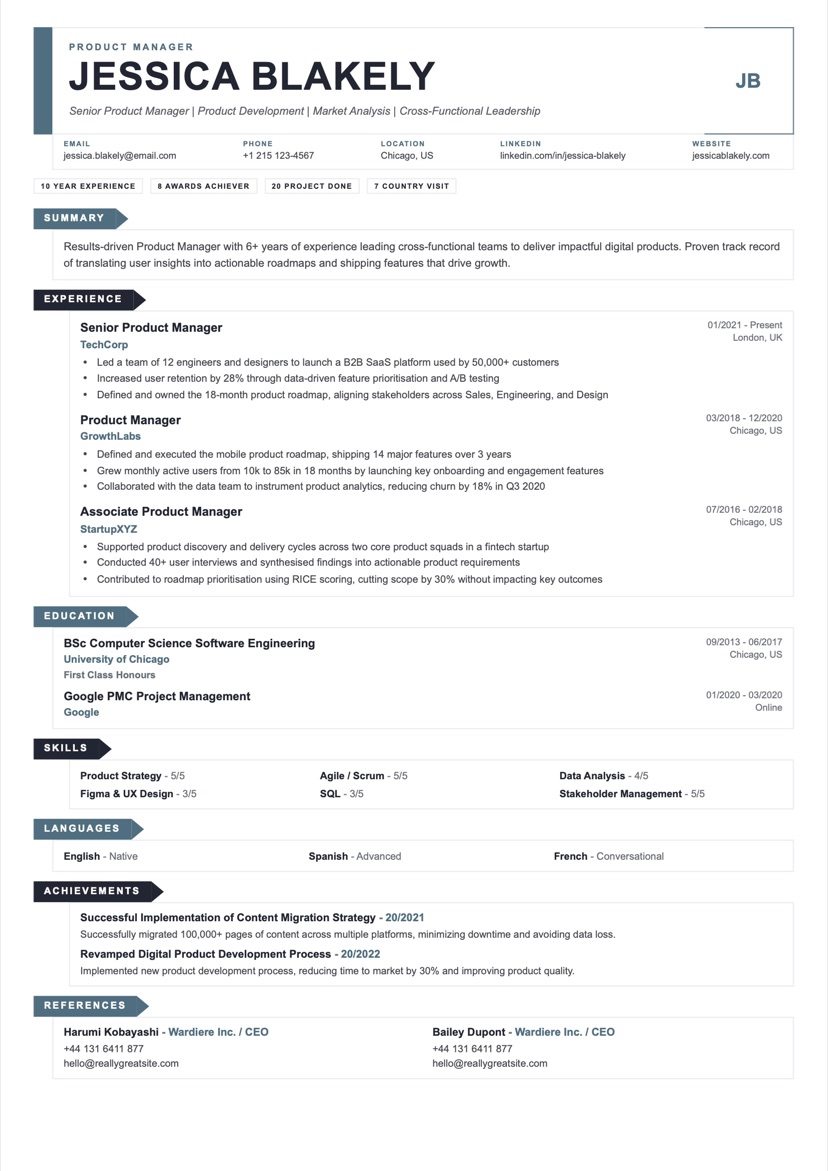
Modern ATS-friendly resume with an L-shaped identity ribbon, angled section tabs, and compact flow.
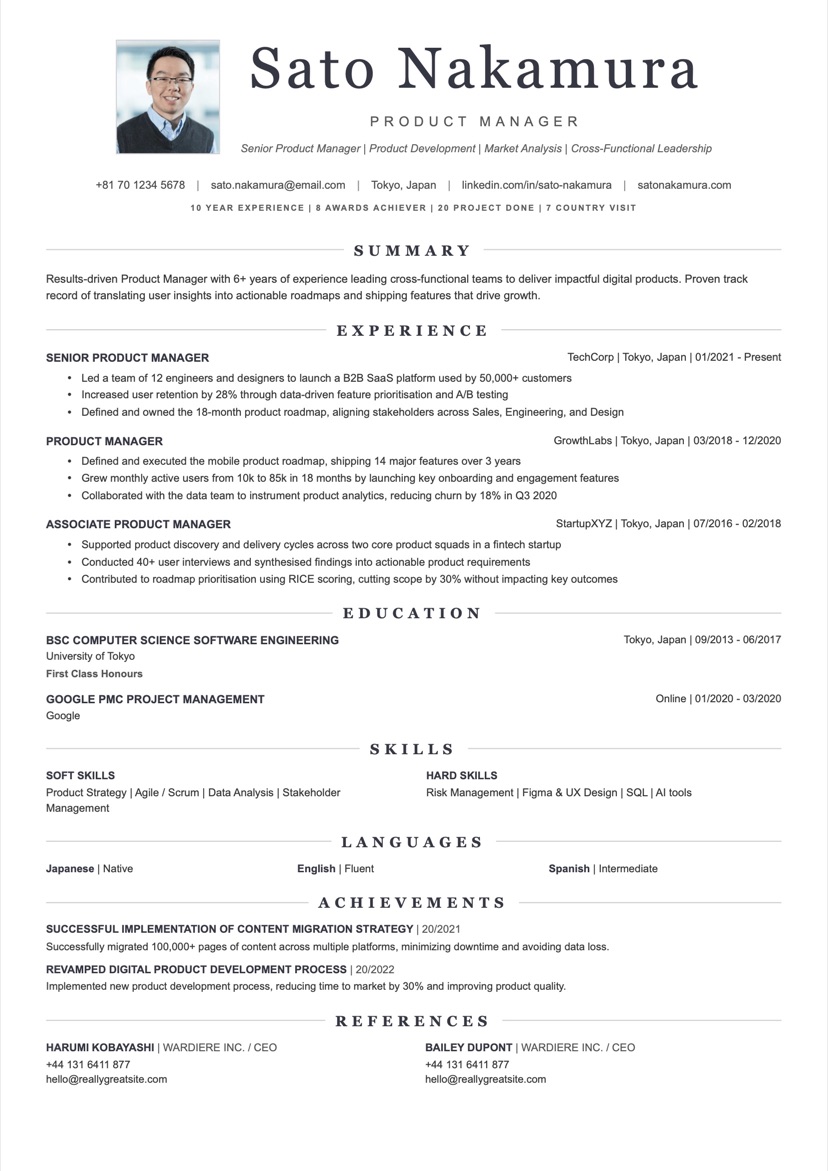
Screenshot-style resume with a centered serif header, ruled sections, and social proof overlay.
An applicant tracking system reads your resume as plain text, not as a picture. A template is ATS-friendly when the software can extract your name, contact details, job titles, dates, and skills in the right order without scrambling them. In practice that means a single-column layout (multi-column designs often get read left-to-right across both columns and jumble your history), standard section headings the parser recognizes, real selectable text rather than text baked into an image, and a common font with ordinary bullet points. The templates here follow those rules by default, so a resume you build from them stays readable for both the ATS and the recruiter who opens it afterward.
The ATS resume format is simpler than most advice makes it sound. Put your contact details in the body of the document, not in the header or footer, where some parsers ignore them. Label sections with conventional names — Work Experience, Education, Skills, Certifications — so the system files each entry correctly. Write dates in a consistent format (for example, "Jan 2022 – Mar 2024"). Keep each role as a job title, company, location, and dates followed by achievement bullets. Save and submit a text-based PDF unless the application specifically asks for a Word document. Skip tables, text boxes, columns of icons, and graphics for anything that carries meaning — an ATS cannot read a skill rating shown only as five filled dots.
Pick any template in the ATS category and open it in the builder. Replace the placeholder content with your own, keeping the section order the template provides. Paste the job description beside you and work its exact wording — the job title, tools, and key responsibilities — into your summary and experience where it is genuinely true; applicant tracking systems rank resumes partly on how well they match the posting. When you are done, export a selectable-text PDF. Excellent CV produces text-based PDFs by default, so your keywords stay machine-readable, and you can duplicate the resume and re-tailor it for the next application in a couple of minutes.
The fastest way to get filtered out is a format the parser cannot read: a two-column template that scrambles your timeline, a resume saved as an image or scanned PDF, or contact details tucked into the header. Other frequent mistakes include stuffing keywords in white text or tiny fonts (modern systems flag this and recruiters reject it), using creative section titles like "Where I've Made an Impact" instead of "Experience", relying on graphics to convey skills or ratings, and submitting a Word file when the portal expects a PDF. Start from an ATS-friendly template and you avoid every one of these by default.
A template with a simple single-column layout, standard headings (Experience, Education, Skills), and no critical text locked inside images or complex columns, so an applicant tracking system can parse it accurately.
A single-column, reverse-chronological layout with standard section headings, contact details in the body (not the header), consistent dates, and a text-based PDF export. It is the format applicant tracking systems parse most reliably.
Yes. You can build a resume from any ATS template, customize it, and preview it for free. A Pro plan is only needed at the point of downloading the final PDF.
Yes. A clean, readable template signals professionalism to recruiters and parses reliably in ATS software — you do not have to trade appearance for compatibility.
Export a text-based PDF (not a flattened image), keep your headings standard, and make sure your keywords appear as real text rather than inside graphics. Excellent CV exports selectable-text PDFs by default.
Dołącz do tysięcy profesjonalistów, którzy już ulepszyli swoje poszukiwanie pracy.